
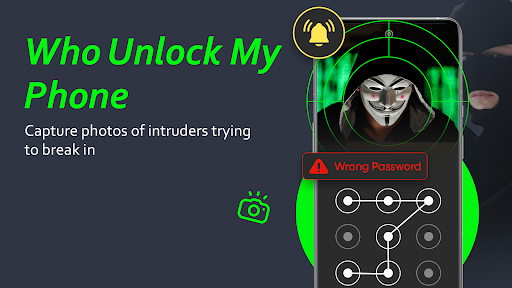
Features Who touch my phone: Anti theft
Dont Touch My Phone: Anti-Theft Alarm & Intruder detector app If you are seeking a phone security app to safeguard your phone from unauthorized access and theft!!!
You have discovered Dont Touch My Phone - intruder alert, an anti theft app designed to ensure the safety of your phone.
Who wants to open my phone?
Are you curious about phone usage?
Want to increase phone security with an intruder detector app?
Top Feature Of Dont Touch My Phone with Intruder Selfies Dont Touch My Phone Capture the intruders selfie.
Find out who touched your phone with an intruder alert.
Someone tried to unlock your phone?
This hidden eye intruder alert apps hidden camera takes a selfie and saves it.
Identify the people who try to unlock your phone without your permission.Keep your phone safe and secure with Dont Touch My Phone, a powerful anti-theft and phone security app for Android.
This award-winning app uses motion detection to detect theft and unauthorized accessTake photo When Unlock Phone: when a person tries to unlock your phone with the wrong capability then the intruder selfie capture app captures a photo with an intruder alert, who unlocked my phone.
Motion Detector Alarm Motion Detection intruder alert Alarm is another useful anti-theft feature.
When in office or busy in meetings.Activate the Motion Detector Alarm feature and leave the phone.
Your phone is now sensitive to the slightest motion, as soon as someone picks up the phone an Motion Detector alarm will go off.
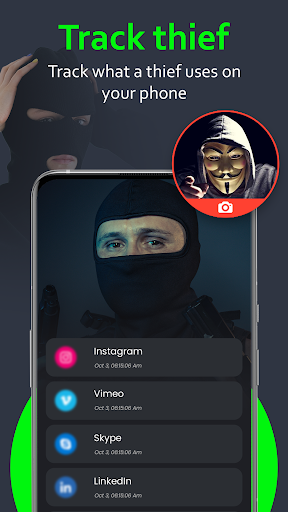
The intruder will be captured in a hidden intruder selfie camera and get scared .
You will be alerted to check on your phone.
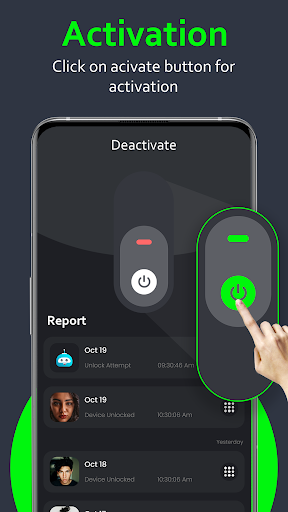
Benefits of who tried to unlock my phone Dont Touch My Phone - Theft AlarmPrevent strangers from illegally using your phoneTake picture when someone touches your phone Easy activation and deactivation of intruder alertUser-friendly interface of hidden eye intruderHidden eye - who unlocked my phone wtmpHidden eye intruder selfie will ease your task of catching your friends while they try to access your phone.Hidden Eye app for android will take a photo of the person when they try to unlock your phone with wrong Password, Pattern or PIN.
How does it operate Dont touch my phone Dont Touch My Phone - Alarm is extremely user-friendlyPlace the device anywhereActivate the intruder selfie catcher- Dont touch my phone anti theft alarmIf anyone touches my phone, It will Take photo.You can find who touch my phone who unlocked Protection: 24/7 protection!
Using our dont touch my phone anti theft app.
If you have any questions about the app, please leave us a comment.
Camera Features
Advanced camera features with editing capabilities.
Productivity Tools
Boost your productivity with powerful tools and features.
Food & Dining
Discover recipes and order food from your favorite restaurants.
See the Who touch my phone: Anti theft in Action
Get the App Today
Available for Android 8.0 and above